Rocket Landing Precision Challenge
Reviews
Move My Rocket offers a simple yet engaging experience. The controls are easy to learn, but the obstacle courses require careful planning. Fuel management adds a strategic layer, and the dark levels with light usage are a nice touch. It is a great game for short play sessions.
About This Game
Game Introduction
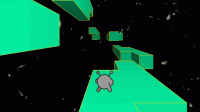
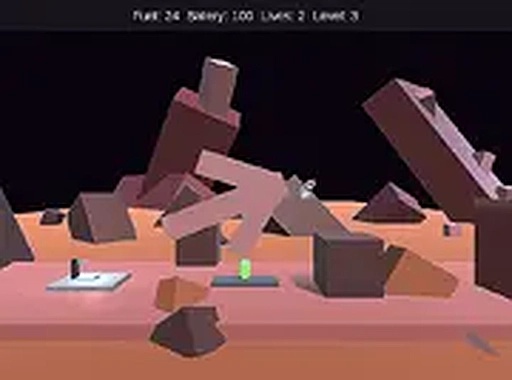
Move My Rocket: Precision Landing Game is a free online skill-based game where players take on the challenge of guiding a rocket safely to its designated landing pad. Each level presents a unique obstacle course that demands careful planning and precise control. The game emphasizes fuel management, as running out of fuel means the level cannot be completed. Some levels are dark, requiring players to use the rocket's light to navigate obstacles. Designed for desktop play, this game offers a satisfying experience for those who enjoy thoughtful, strategic gameplay.
How to Play
Players control the rocket using a keyboard or mouse. The objective is to reach the landing pad without colliding with any obstacles. Players must manage the rocket's thrust to move upward and steer left or right while keeping an eye on the fuel gauge. Overusing boost can leave the rocket stranded. On darker levels, activating the rocket's light helps reveal the path ahead. The game is optimized for desktop computers, and players can switch to full-screen mode for a better view.
Game Features
Simple controls that are easy to learn. Challenging obstacle courses that require precision and careful maneuvering. Fuel management adds a strategic element to each level. Dark levels that require using the rocket's light to see obstacles. Free to play with no downloads needed, accessible directly in a web browser.
Tips for Success
Practice regularly to improve your control and timing. Pay close attention to the fuel gauge and avoid unnecessary boosts. Study each obstacle course before moving to plan your route. Use the rocket's light wisely on dark levels to spot hazards early. Take your time; rushing often leads to crashes. Consistent practice will help you master the precision needed for successful landings.